Show it in their space before you build it.
Customers see a contractor's real work on their own place — and every quote request becomes a lead.
Customers — got a link or QR code from your contractor? That's your door — it opens their storefront.
Already made a render? Sign in to see it
No link yet? Find a contractor near you
How it works
Snap a photo
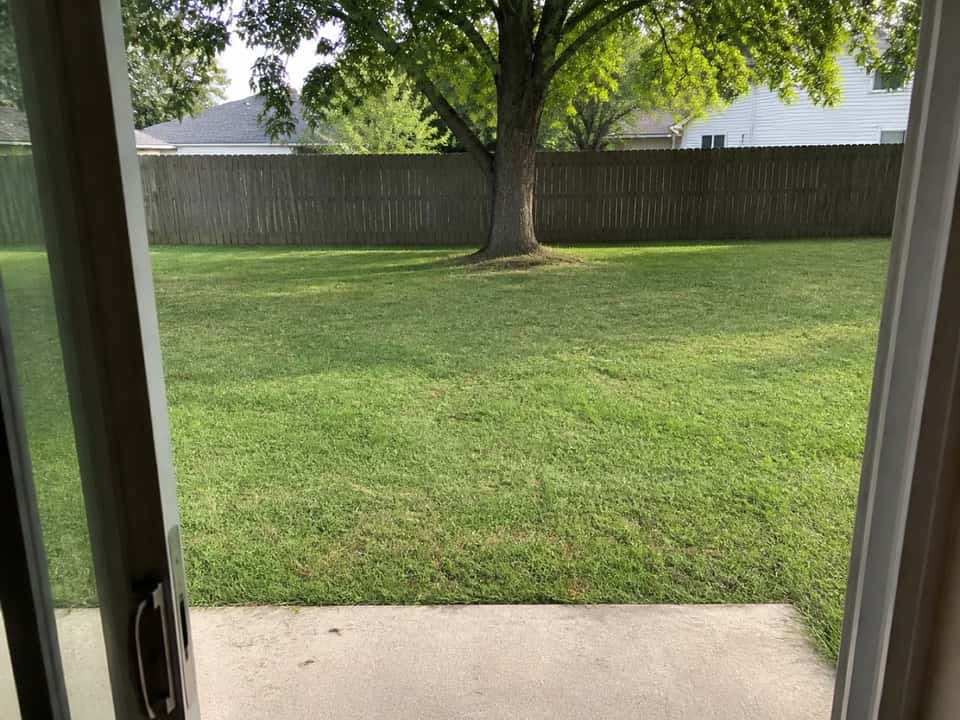
The customer takes a picture of the yard, kitchen, or lot where the work would go — right from their phone.
Pick the project
They choose from the contractor's real catalog — a deck, a garage, cabinets — built the way that contractor actually builds them.
See it, then talk
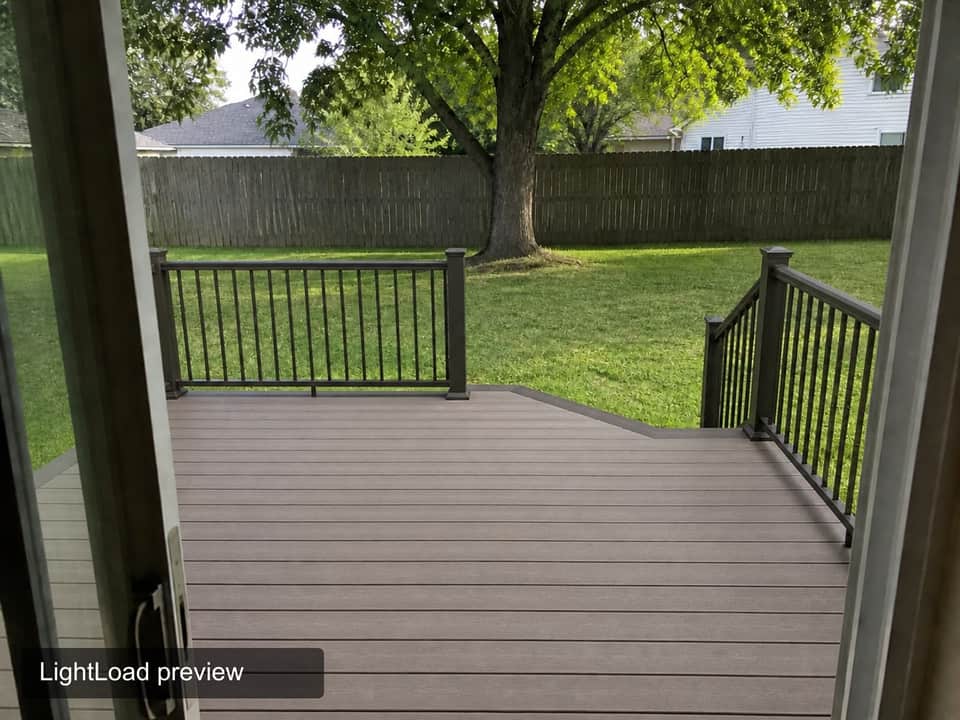
A photorealistic render of that work on their own place comes back in a few minutes. One tap sends it to the contractor as a quote request, photo and notes attached.
Sample renders
- Detached garageSample
 RenderYour photo
Drag the divider to compare. With the divider focused, the arrow keys move it; Home and End show one side. 

- Pole barnSampleRenderYour photo
Drag the divider to compare. With the divider focused, the arrow keys move it; Home and End show one side. 

- Front porchSampleRenderYour photo
Drag the divider to compare. With the divider focused, the arrow keys move it; Home and End show one side. 

Your work, rendered on their place
You bring your own traffic: put your storefront link and QR kit on estimates, yard signs, your truck, and your Facebook page. When a customer renders your work on their own home, that render arrives in your lead inbox with their photo, the render they got excited about, their notes, and their contact info — not a cold name from a lead service.
You can also hand credits to a hesitant customer — “go see it on your own house” — straight from your account.
Pricing
During the founder's pilot, the storefront and lead inbox are complimentary — contractors pay only for render credits. The plans below are what LightLoad costs once the pilot ends.
Starter
$49/month
- Published storefront + QR kit
- 10 catalog items
- 50 render credits a month
- Lead inbox with email alerts
- 1 team seat
Pro
$99/month
- Published storefront + QR kit
- 30 catalog items
- 150 render credits a month
- Lead inbox with email alerts
- 3 team seats
- Removable LightLoad branding
- Priority generation queue
Business
$249/month
- Published storefront + QR kit
- Unlimited catalog items
- 500 render credits a month
- Lead inbox with email alerts
- 10 team seats
- Removable LightLoad branding
- Priority generation queue
Every plan starts with a 14-day trial — 10 watermarked render credits, card required. Annual billing takes two months off. Unused monthly credits don't roll over; purchased bundles do, and contractor bundles run 50 for $34.99, 100 for $64.99, or 160 for $99.99.
For customers: renders run on credits
A render costs one credit — $1.99 for a single credit, or less in bundles: 3 for $4.99, 10 for $12.99, 25 for $24.99. Only a successful render uses a credit, and your contractor can send credits to your account. There's no charge for browsing, and no account to create beyond your email.
Contractors — the storefront and lead inbox are free during the founder's pilot.
You pay only for render credits.